

Master for
product teams.
Move the conversation into a product.
Turn requirements into interactive prototypes and useful internal tools. Give your team something concrete to review, not just another specification.
Twelve pages describing a flow nobody has clicked yet.
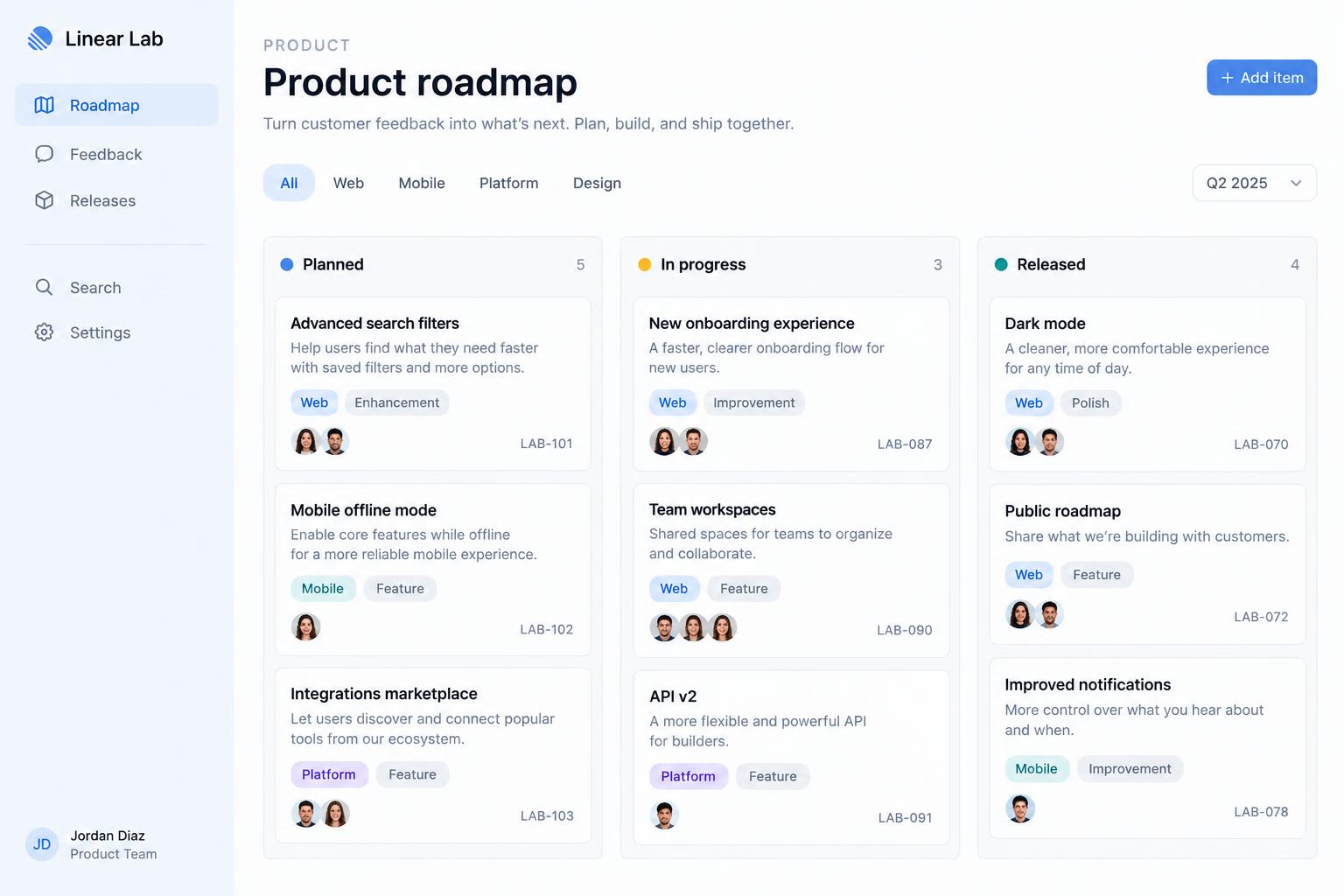
Illustrative concept, not a customer project
01 / What you can build
A shared understanding starts with something you can use.
Explore a new workflow in a working interface. Test the details before committing to a larger implementation.
- Interactive flows
- Sample records
- Reviewable states
Prototype a new approval workflow. Include a submission form, an approval queue, and clear pending, approved, and rejected states. Use sample data for the first review.
02 / From brief to browser
Good work starts
with a clear direction.
Bring the context. Review the result. Keep the next iteration connected to the work you’ve already done.
Agree on the direction.
Use Plan mode to review the proposed work before approving a build. Keep requirements and context in the project.
Build and Plan modesPlan mode
Agree on the plan before anything changes.
Plan mode writes up the proposed work without touching the project. Review it, adjust it, then approve to build.
Build and Plan modes- 1.Split checkout into three steps
- 2.Add address autocomplete field
- 3.Show order summary on every step
- 4.Keep current payment flow unchanged
Roles
Everyone in the right seat.
Inviting teammates requires an eligible plan.
Collaboration guideInternal tools
The tools your roadmap never gets to.
Approval queue
Build an internal approval queue: requests with status (pending, approved, rejected), a filter bar, a detail drawer with comments, and sign-in for team members.
Ops dashboard
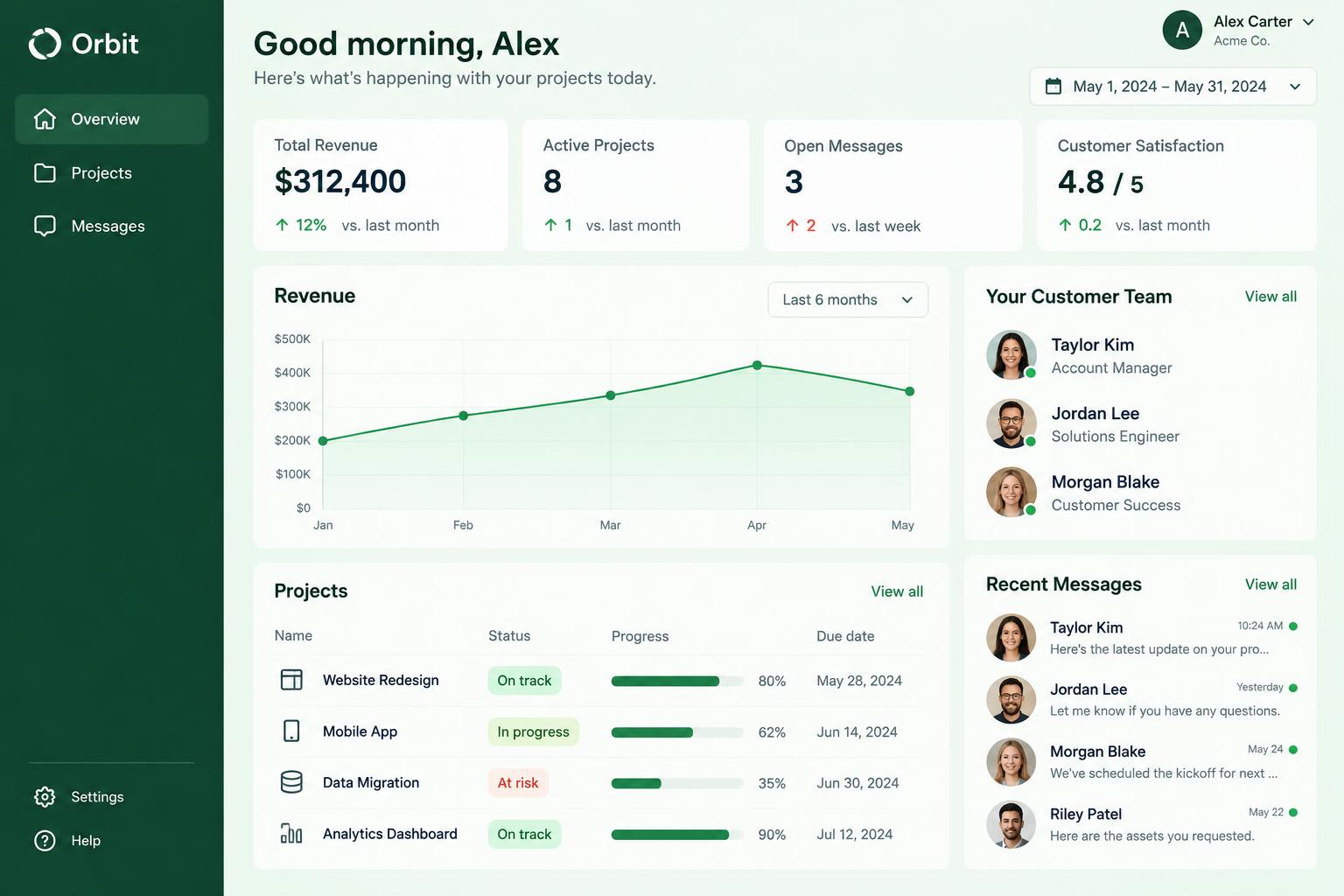
Build an operations dashboard with KPI cards, a weekly orders chart, a table of delayed shipments, and a form to log incidents.
Feedback hub
Build a feedback hub where users submit ideas, vote on them, and see a public roadmap with Planned, In progress and Done columns.
Every change is saved as a version you can compare or restore. Versions and restore
04 / Before you start
Good questions.
Clear answers.
Know what to expect before your first brief, your next invitation, or your launch.
Plans & credit usageKeep exploring
Another team.
A different starting point.
Your next project
Build the next iteration, together.
Bring your brief, your brand, and the workflow that matters. Build a first version, then make it your own.
Read the quick start