

Master for
marketing teams.
Make your next campaign happen.
Build campaign websites, interactive experiences, and lead-capture pages. Keep the message and the experience in the same conversation.
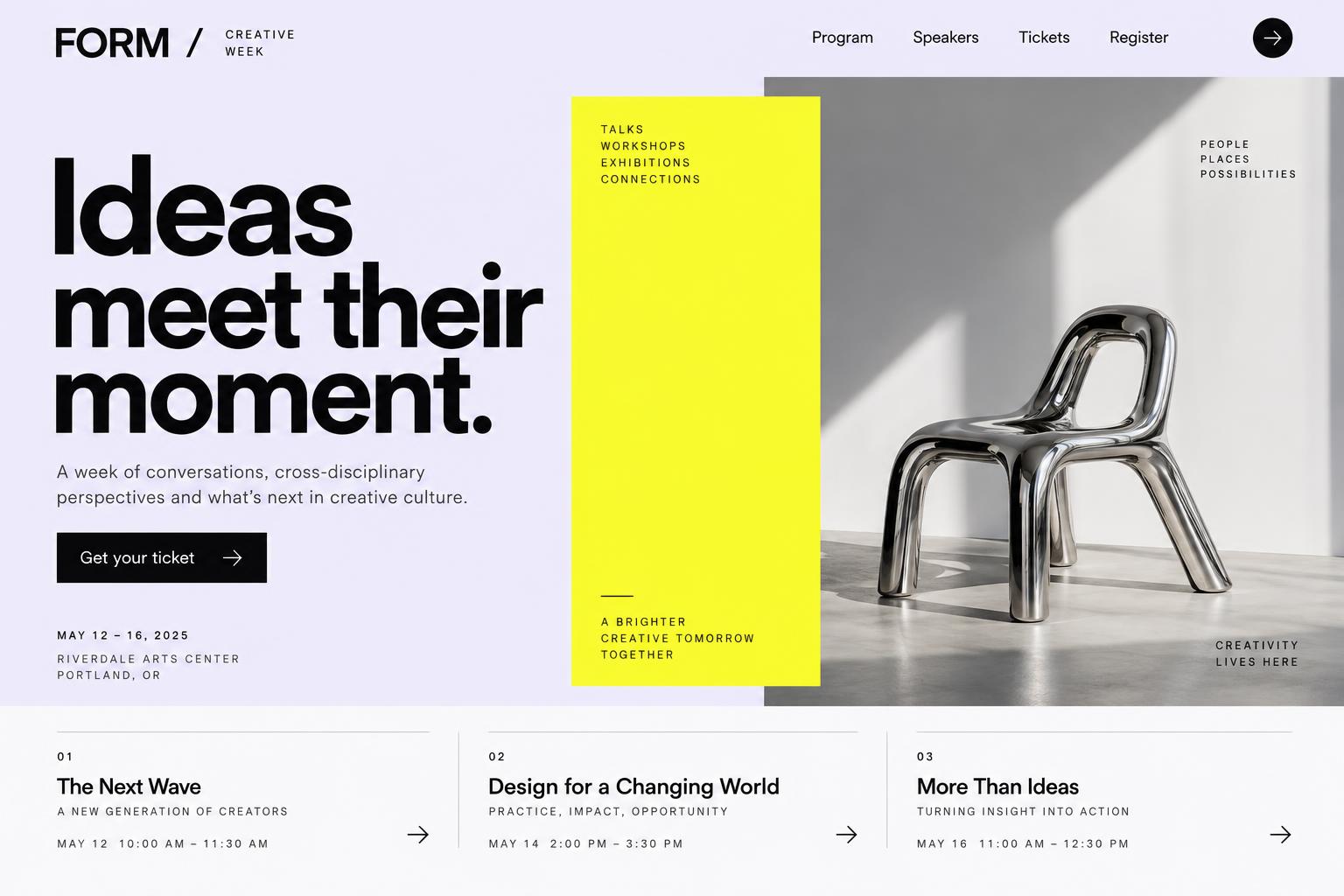
Launch page
Product quiz
Waitlist form
Event page
Illustrative campaign board, not real results
01 / What you can build
Your campaign deserves more than another template.
Give each launch a distinct page with your own copy, imagery, and a clear call to action.
- Campaign identity
- Event programme
- Registration form
Create a campaign page for our next event. Use our uploaded brand assets, show the agenda and speakers, and include a registration form that saves submissions to Cloud.
02 / From brief to browser
Good work starts
with a clear direction.
Bring the context. Review the result. Keep the next iteration connected to the work you’ve already done.
Bring the brief.
Share the audience, offer, brand direction, and the action you want visitors to take. Upload your own assets.
Working with filesCampaign types
Pick the format. Ship it this week.
Landing page
Build a launch page for our new running shoe: bold hero with product photo, three benefit blocks, size guide, testimonials placeholder and a "Notify me" email form.
Interactive quiz
Build a 5-question skincare quiz that recommends one of three product lines, shows the result with a product image and a discount code form at the end.
Waitlist
Build a waitlist page for a new app with a referral position counter, email signup stored in the database, and a thank-you screen with share buttons.
Event page
Build an event page for a design meetup: date, venue map image, speakers grid, agenda timeline and an RSVP form with a capacity limit.
Brand in, page out
Your brand, not a template.
Upload brand assets
Logos, product photos and guidelines go into Files and the AI uses them.
Learn moreEdit copy visually
Click a headline in the preview and change it — visual edits use no AI credits.
Learn moreLaunch checklist
Before you hit publish.
- Page title and share preview are set
- Every form submits and stores the lead
- All buttons and links go somewhere real
- Checked on mobile and desktop
- Custom domain connected (eligible plans)
- Know who can see collected leads
04 / Before you start
Good questions.
Clear answers.
Know what to expect before your first brief, your next invitation, or your launch.
Plans & credit usageKeep exploring
Another team.
A different starting point.
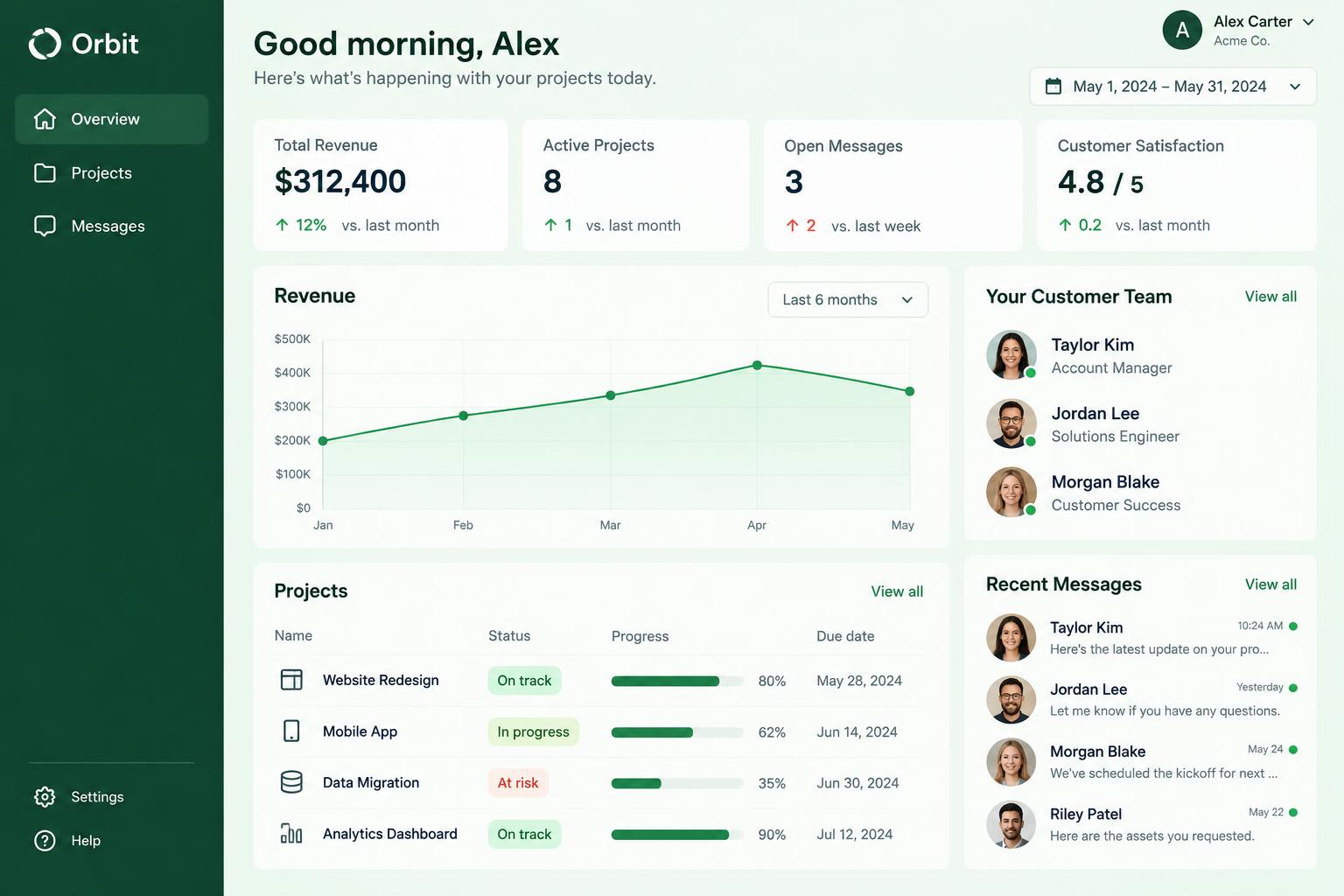
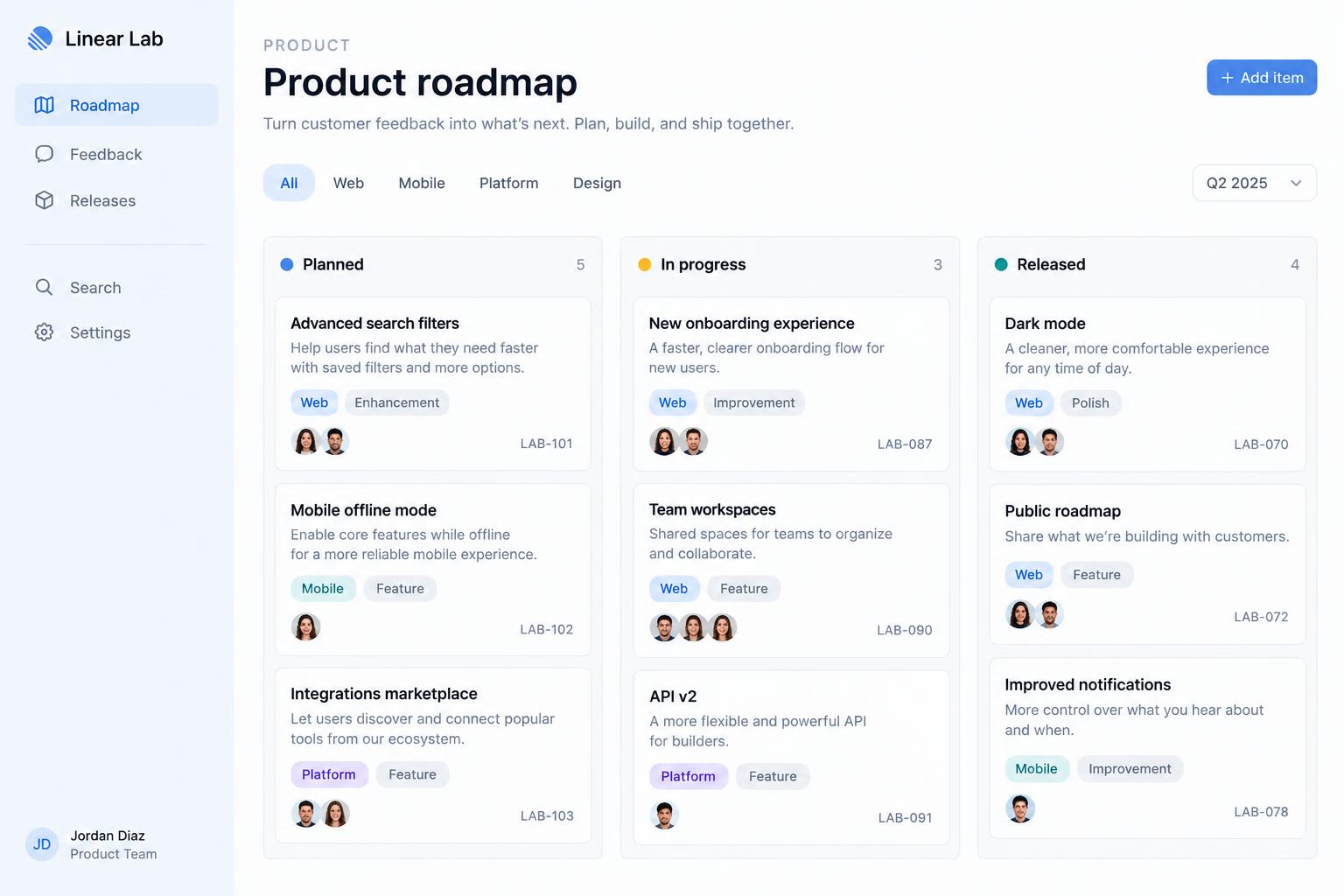
Your next project
Make something your audience remembers.
Bring your brief, your brand, and the workflow that matters. Build a first version, then make it your own.
Read the quick start