 Master
Publish
Custom domains
Use your own domain. Pro plan and above.
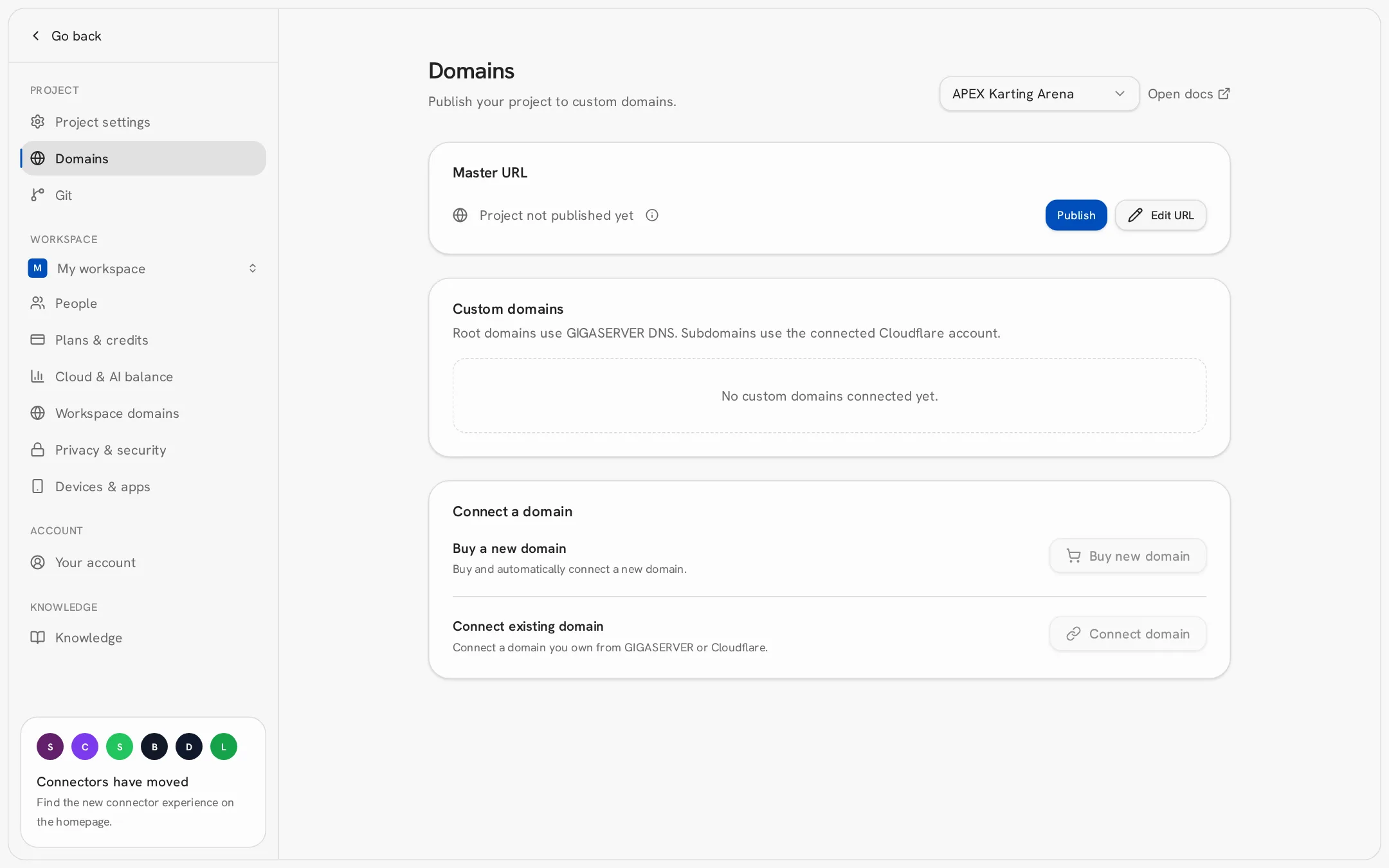
- 1Publish your app first.
- 2Open Project settings → Domains.
- 3Click Connect domain and enter your domain (e.g. www.myshop.com).
- 4Add the records shown to your domain provider's DNS settings.
- 5Wait for verification. It usually takes minutes, sometimes up to 72 hours.
Connect both
myshop.com and www.myshop.com so visitors reach you either way.- Only the project owner can add or remove domains.
- Workspace domains in settings list all domains across your projects.
- If you downgrade to Free, domains go offline but are not deleted; they return when you upgrade.