 Master
Cloud
Master Cloud overview
A ready backend for every project: database, users, storage, secrets, functions, AI and emails.
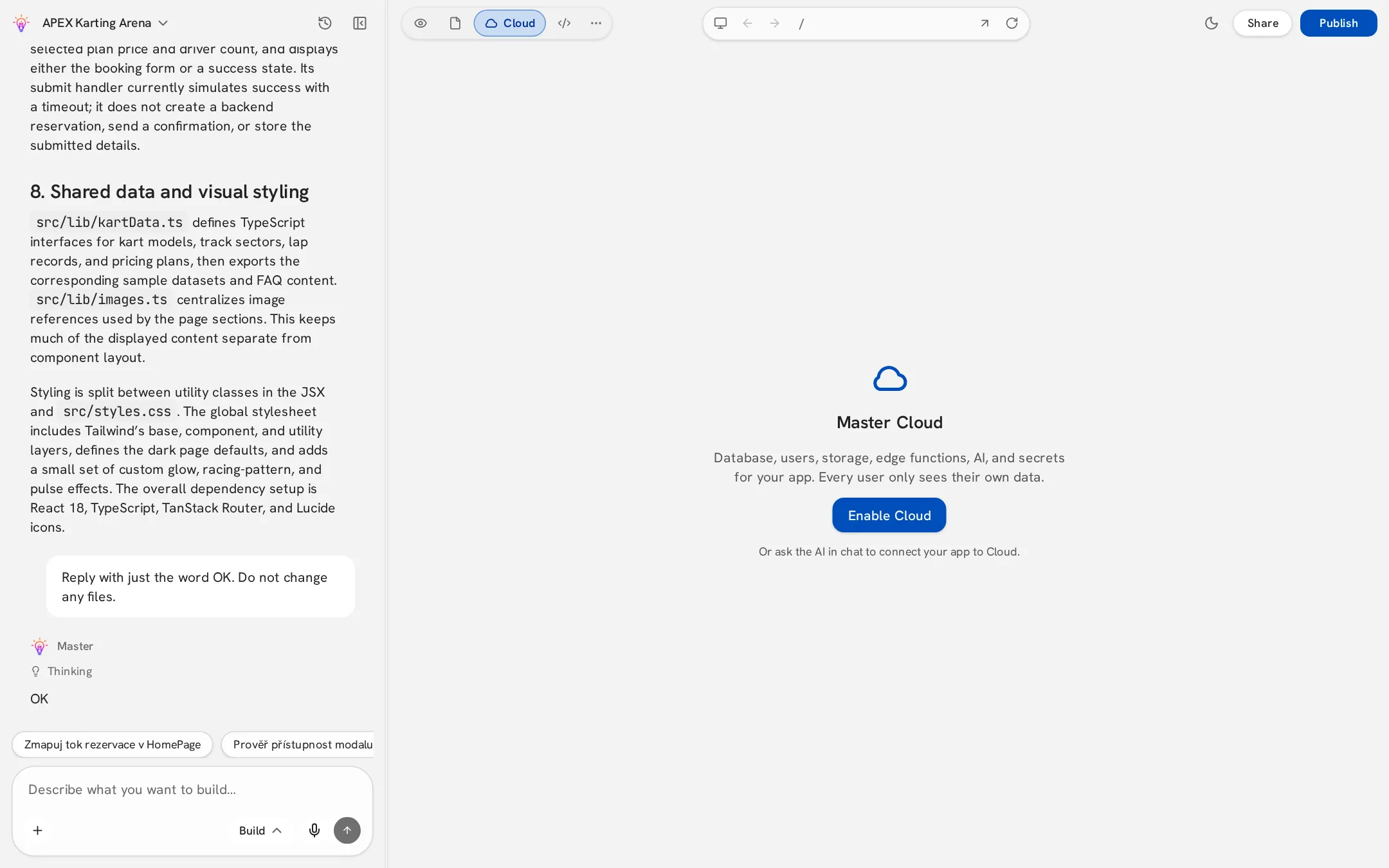
Master Cloud gives your app a backend without any setup. All projects run on one secure shared infrastructure, but each project sees only its own data — another project can never read your tables, users or files.
Enable Cloud
- 1Open the Cloud view in the top bar.
- 2Click Enable Cloud.
- 3Or simply ask in chat, e.g. “Save bookings to a database” — Master enables it for you.
Only the project owner can enable and manage Cloud. Collaborators can still build features that use it.
What's inside
| Area | What it does |
|---|---|
| Overview | Status and quick stats of the project's backend. |
| Database | Tables and records your app reads and writes. |
| Users | Accounts of people who signed up in your app. |
| Storage | Files uploaded by your app's users. |
| Secrets | Encrypted keys for external services. |
| Edge functions | Server code your app can call. |
| AI | AI features for your app, no API key needed. |
| Emails | Transactional emails from your app. |
| Logs & Usage | Requests, errors and consumption. |