 Master
Getting started
Quick start
Create, refine and publish your first app.
1. Sign in
Open Master and sign in with Google or your email. A personal workspace is created for you automatically, including your daily free credits.
2. Describe your app
Type into the prompt box on the home page. Good prompts say who the app is for, which pages it needs, what users can do, and how it should look.
You can attach images (a logo, a screenshot of a design you like) with the paperclip. Choose Build to start building or Plan to discuss the idea first.
3. Review the first version
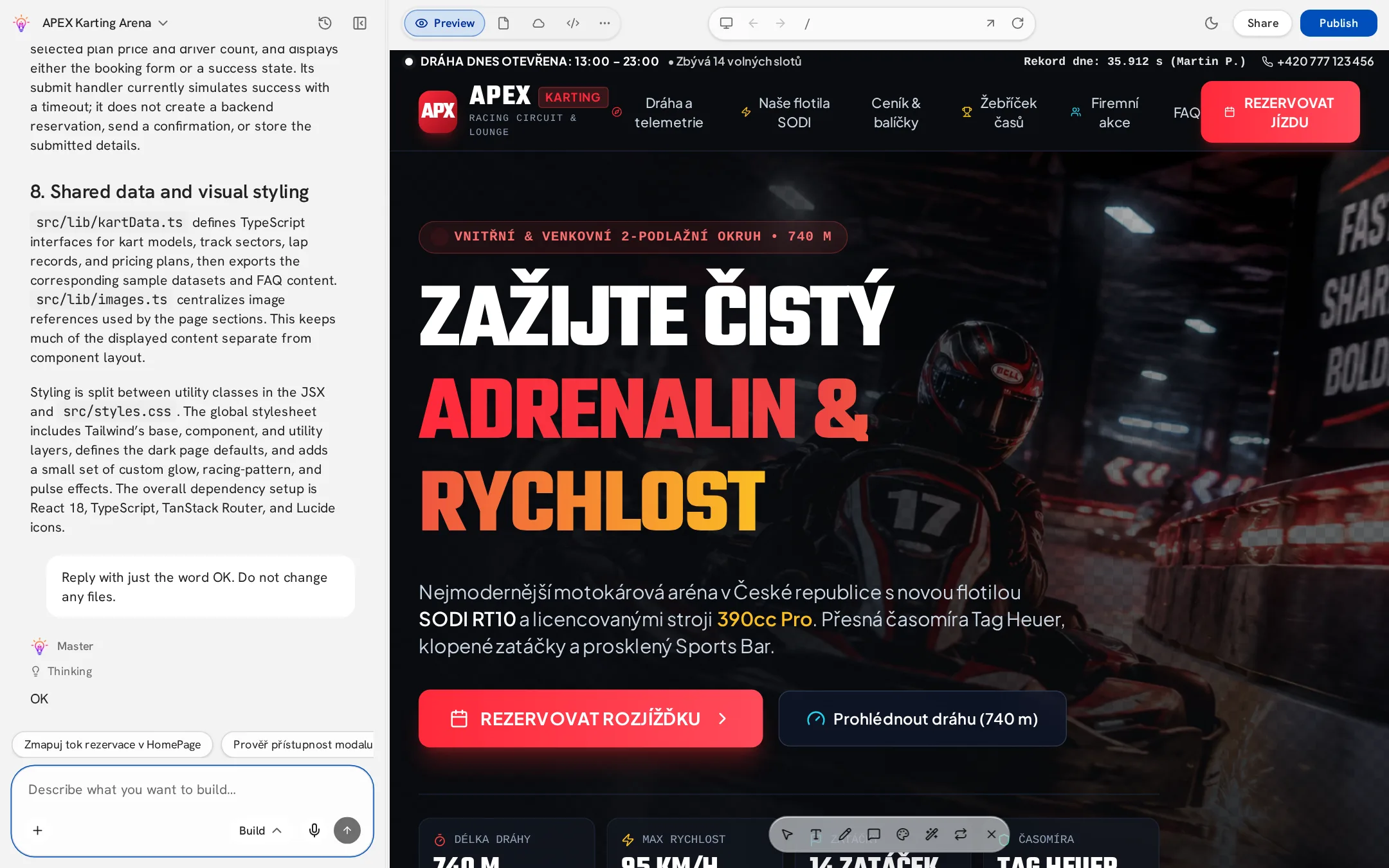
Master opens the editor and starts writing your app. Progress appears in the chat and the preview updates when the version is ready. If your request is vague, Master may first ask a few short questions — see Clarifying questions.
4. Refine
- Ask for changes in plain words: “Make the header sticky and add a pricing section.”
- Be specific about one or two changes per message for the best results.
- Use Visual edits for quick text and color tweaks — they are free.
- If something breaks, describe what you see; Master reads the errors and fixes them.
5. Publish
Click Publish in the top bar, choose an address and confirm. Your app is live. See Publish your app.