 Master
Getting started
The editor
Chat on the left, your app on the right — and every tool in one top bar.
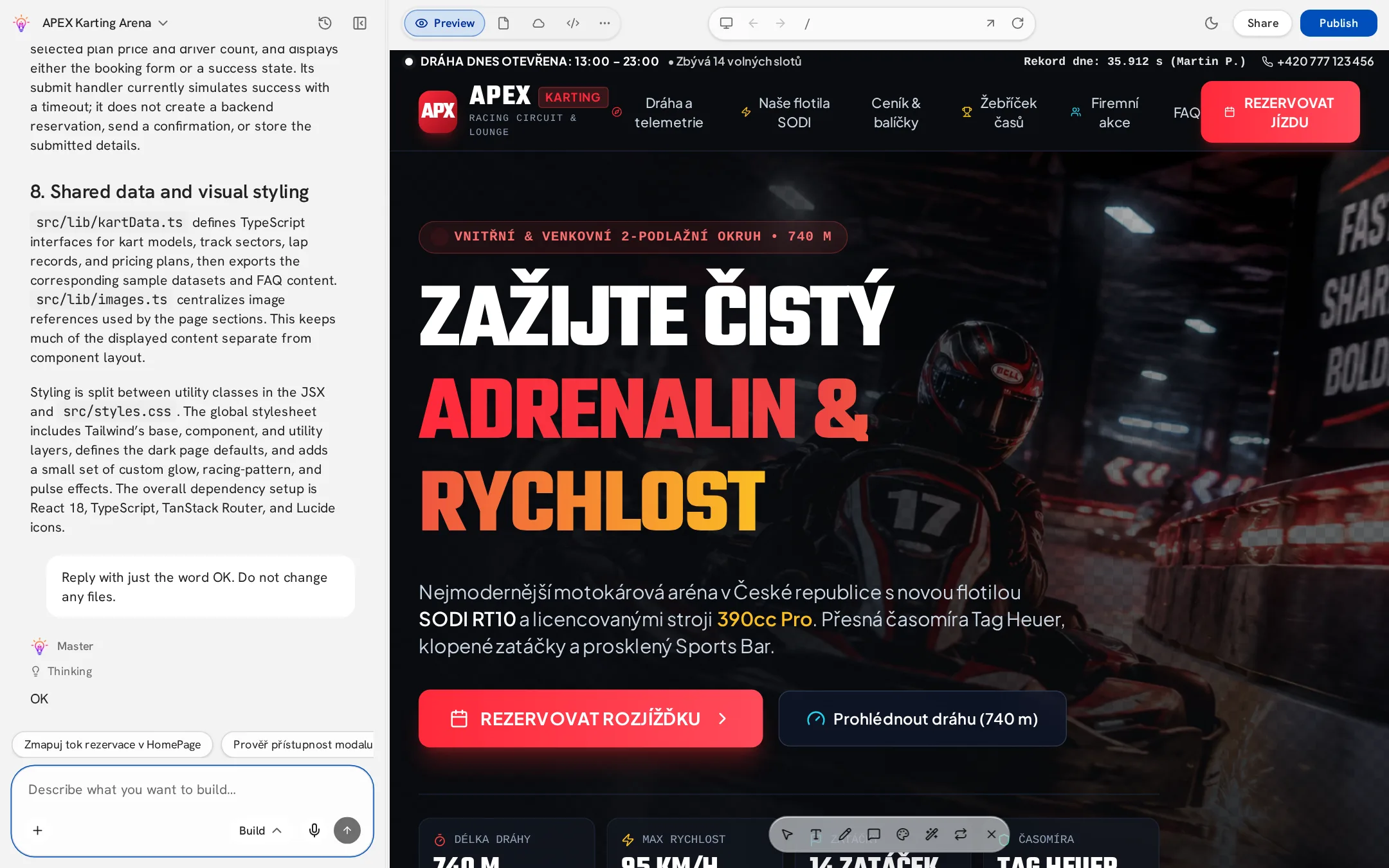
Chat panel
- Composer — type a message, attach files, record voice, choose Build or Plan mode.
- Messages — Master shows what it is doing, which files it changed and how many credits the step used.
- Suggestions — after a reply, Master suggests useful next steps you can click.
- Project menu — click the project name to rename, open settings, change editor theme, see history or get help.
- Hide chat to give the preview the full width.
Top bar
| Control | What it does |
|---|---|
| Preview / Files / Cloud / Code | Switch the main view. |
| ⋯ Tools | Analytics, AI activity, Security scan and SEO. |
| Device | Cycle desktop, tablet and mobile sizes. |
| Back / Forward / Address | Navigate pages inside your app. |
| Reload | Refresh the preview. |
| Share | Invite collaborators or create a view-only link. |
| Publish | Put your app online or update it. |
Code view
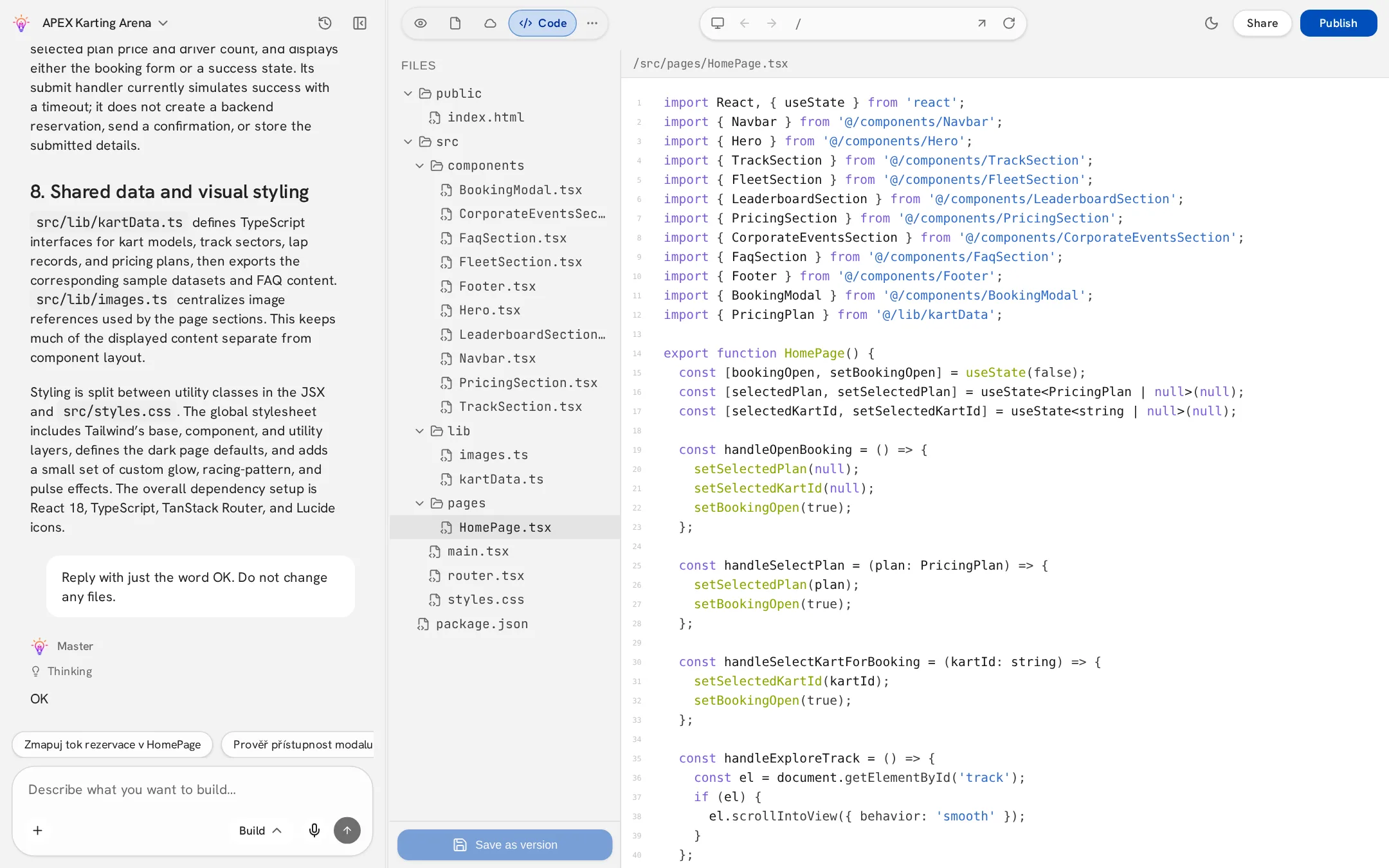
Browse every file of your app in a read-only tree. Useful to understand structure or to point Master at a specific file in your message.