 Master
Build
Knowledge
Reusable instructions Master follows in every project.
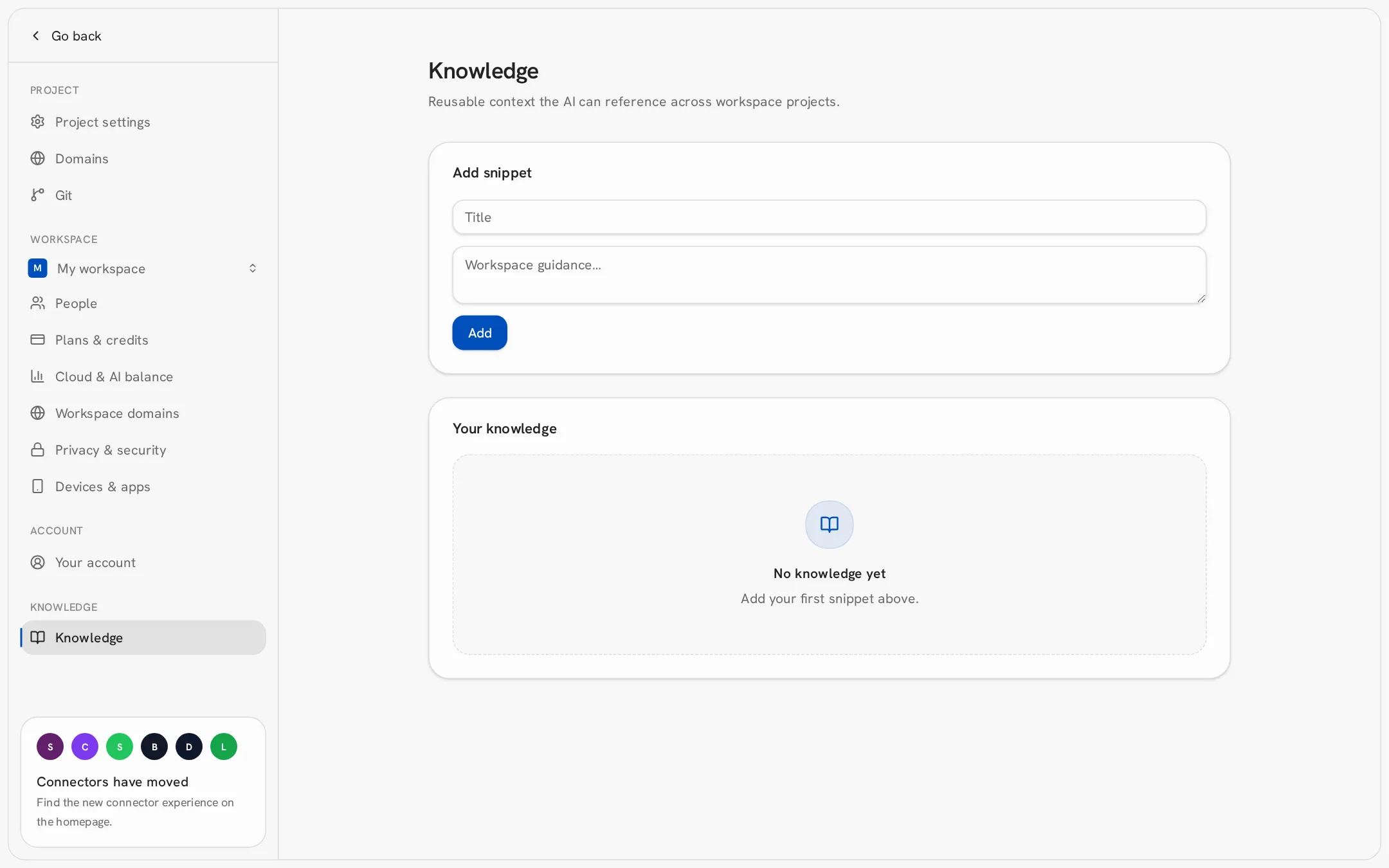
- 1Open Settings → Knowledge.
- 2Under Add snippet, enter a title and the guidance.
- 3Click Add. The snippet applies to every project in your workspace.
Good snippets: brand colors and fonts, tone of voice, language of the content, company details, rules like “always include a cookie banner”.