


Real interactions
Inputs, validation, state and navigation rather than connected rectangles.
Prototype behavior, unhappy paths, permissions and onboarding in the product itself—then hand over the implementation, not an interpretation.
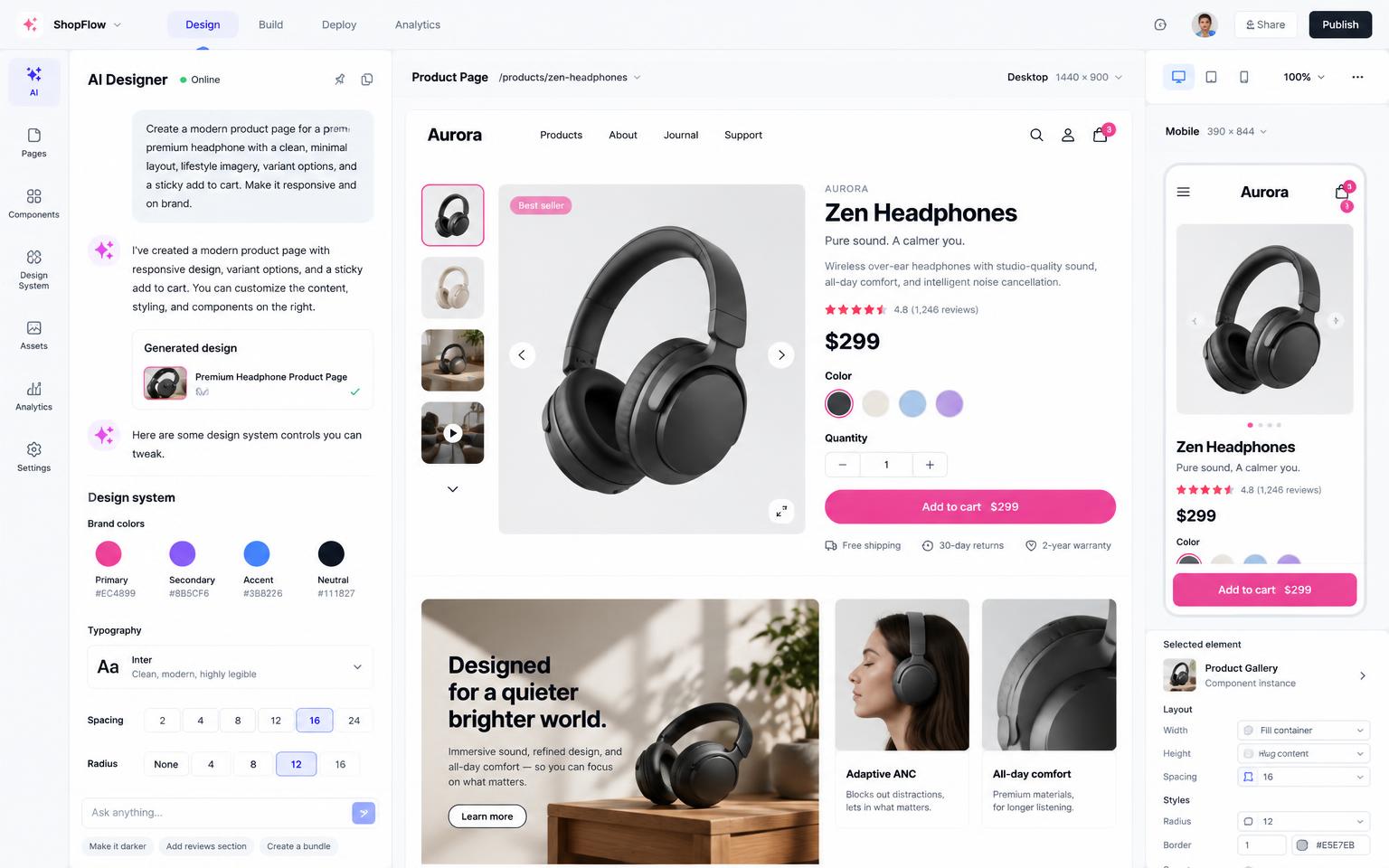
Empty data, loading, errors and restricted actions shape the experience. Master lets you design them alongside the polished path.
Inputs, validation, state and navigation rather than connected rectangles.
Design errors, retries, partial setup and empty dashboards deliberately.
Show what changes for admins, members, customers and guests.
Use semantic tokens, reusable components and controlled variants.
Evaluate the actual experience on phone, tablet and desktop.
Give engineering a functioning repository they can inspect and extend.
Start with a sentence, document, screenshot or the data your team already uses.
Master maps the screens, data and open decisions before changing the project.
Test working flows, roles and edge cases in a live preview instead of reviewing static screens.
Launch when ready, learn from real use and continue in the same project.
Test sequencing, defaults and permissions before implementation.
Build the failure modes and sparse states that static files hide.
Apply tokens and components across real screens and responsive sizes.
Yes. Master can build with your tokens, components, fonts and brand rules.
Yes. Select elements in the preview and refine presentation while changes remain in code.
Not necessarily. Use Figma for exploration and Master when behavior and implementation matter.
Yes. The output is standard React code in a normal repository.
Start free, keep the code, and publish when you are ready.