


Operational dashboards
Visualize the measures and exceptions your team acts on.
Create exactly the dashboard, approval flow or operating system your team needs—without waiting on a backlog or adapting to a vendor roadmap.
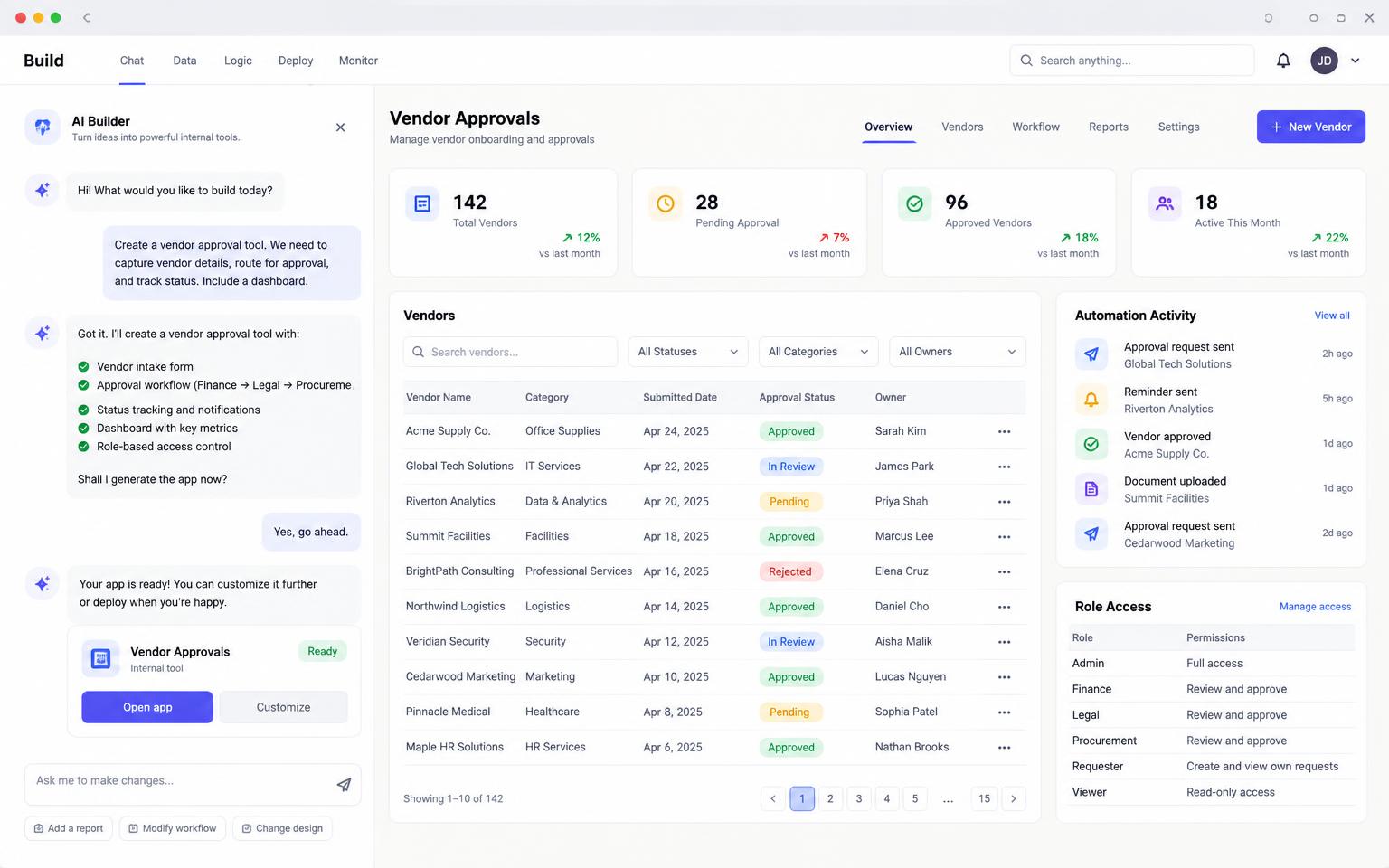
Bring the process and context. Master turns it into a focused application with real permissions, data and automation.
Visualize the measures and exceptions your team acts on.
Encode repeatable decisions with clear inputs and shareable results.
Capture work, route it and preserve the decision trail.
Search, filter, edit and export the records behind the process.
Trigger handoffs, notifications and scheduled work from real state.
Give every role the exact records and actions it needs.
Start with a sentence, document, screenshot or the data your team already uses.
Master maps the screens, data and open decisions before changing the project.
Test working flows, roles and edge cases in a live preview instead of reviewing static screens.
Launch when ready, learn from real use and continue in the same project.
Roadmap dashboards, feedback portals and research repositories.
Budget planning, reconciliations, approvals and exception handling.
ROI calculators, campaign dashboards and deal-support workflows.
Yes. Connect databases and APIs through server-side functions and supported integrations.
Use authentication, dedicated roles and database-level policies.
No. Build multi-step workflows, calculations, automation and rich dashboards.
Yes. The code and data definitions remain visible and can sync to GitHub.
Start free, keep the code, and publish when you are ready.